
Small rules.
Surprising
worlds.
Explore Conway’s Game of Life on iPhone and iPad. Draw cells, combine patterns, and watch them change one generation at a time.
 For iPhone & iPad · Free. No ads or in-app purchases.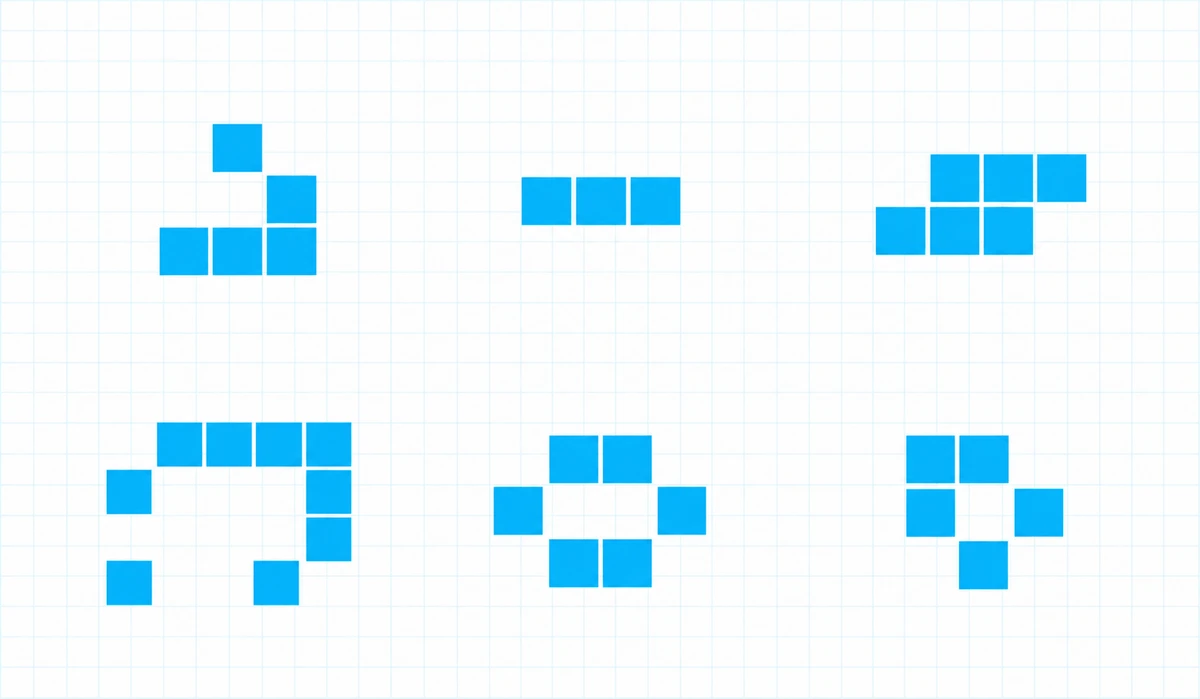
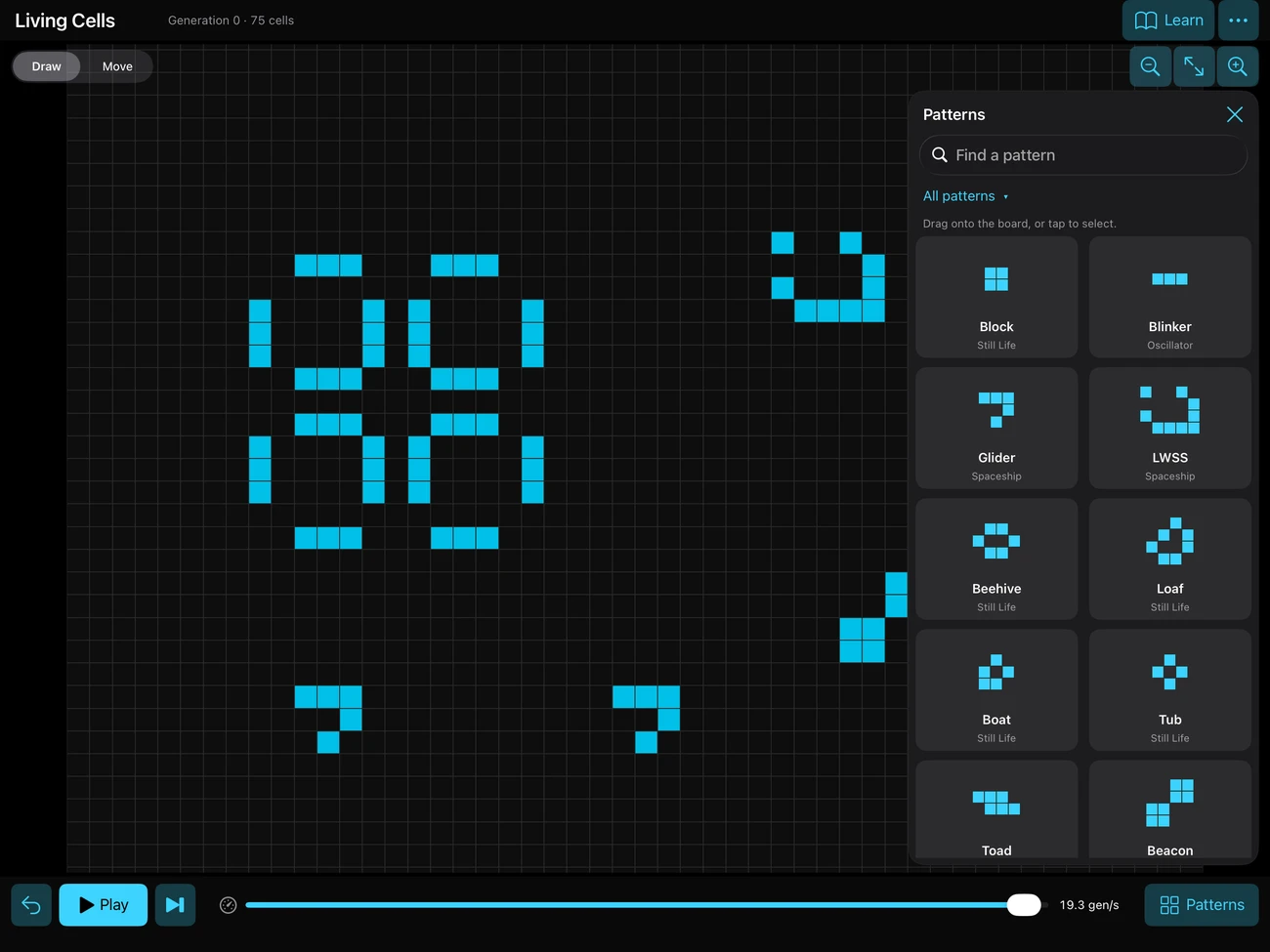
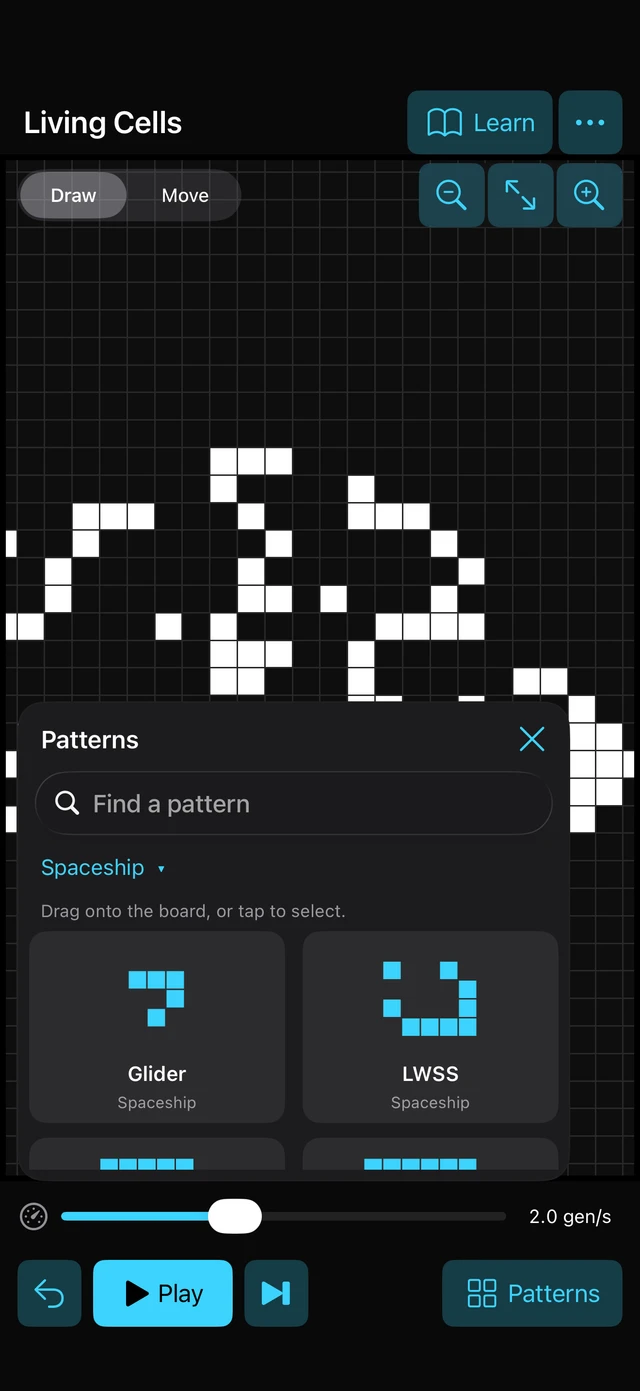 Actual app on iPhone & iPad
Your curiosity is the only instruction.
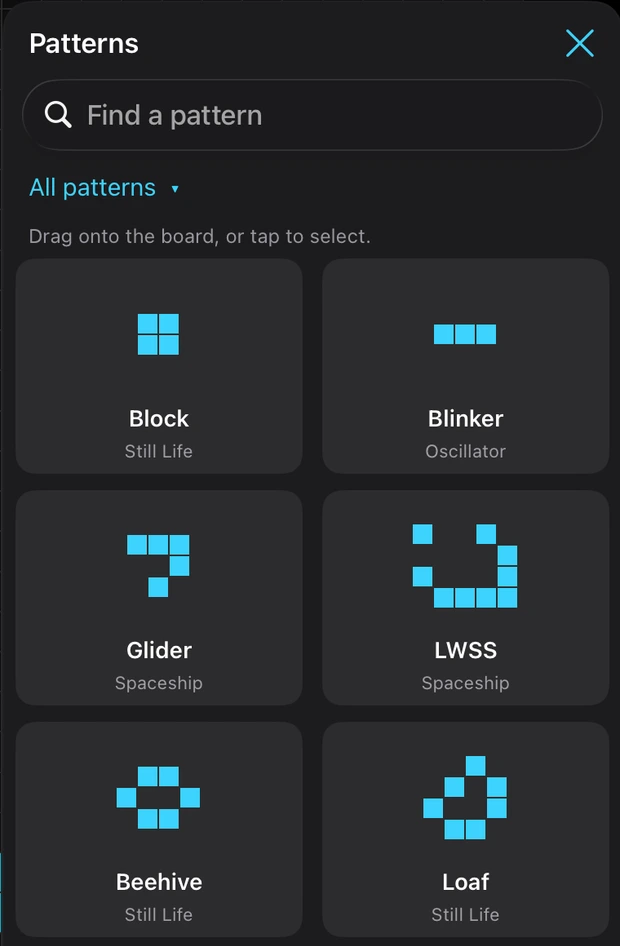
Start with a pattern.
Make it your own.
Explore a visual library of spaceships, oscillators and still lifes. Place a pattern on the board, combine it with another, and see what happens.
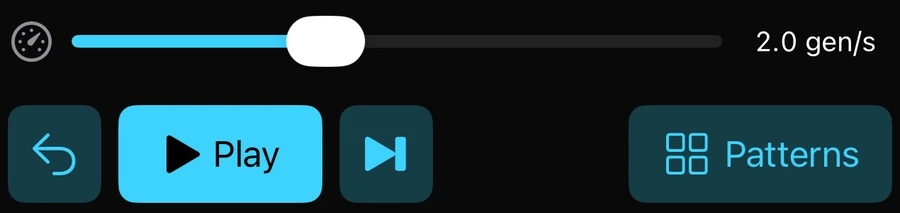
Slow it down.
Follow every generation.
Adjust the speed, pause, or advance one generation at a time. Undo and try again. Watch simple rules create unexpected behaviour.
Three simple steps. Plenty of surprises.
Draw
Add a few cells
on the grid.Play
Press play and watch
the generations unfold.Explore
Try new patterns
and make your own.

What will your
first cells become?
Find Living Cells on the App Store
Free. No ads or in-app purchases.